
Remove Suspicious Admin Users
If you suspect anything unusual in your website, check for unauthorized access to your site’s administrator. If you find any, remove them at once.
Let’s explore how to check and remove unwanted users from your site. 🚀
Step 1
Login to the WordPress dashboard and select Users from the sidebar.
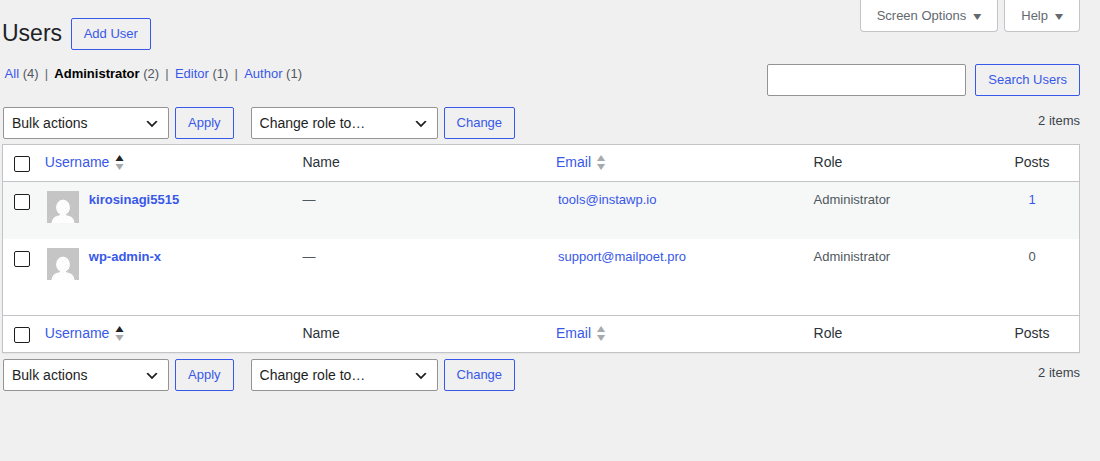
Step 2
Find your threat user from the list and hit **Delete **to remove the user.


👉 As you might be aware, it needs to change admin email sometimes. You can change admin email following this Change Admin Email documentation.